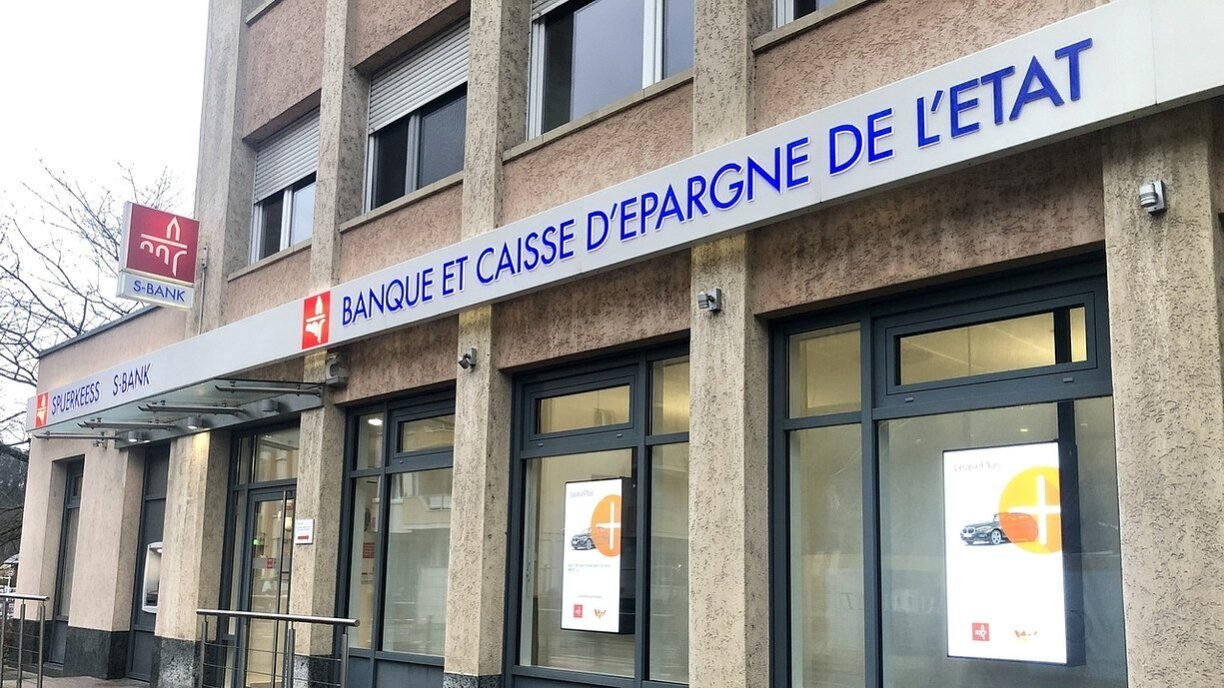
Spuerkeess confirmed that since 26 March there is a new method for logging into S-Net when using LuxTrust Mobile. After entering your user ID and password, you will no longer receive a push notification from the LuxTrust app. Instead, you now need to open the LuxTrust app and use it to scan a QR code displayed on the S-Net page.
You will then, as before, be asked for your PIN (or face identification) in the LuxTrust app, after which you will be shown an eight-digit code (OTP) that you must enter on the S-Net page within one minute to gain access.
Spuerkeess is thus going one step further to make access to online banking even more secure. If you would like to log in, the exact steps you need to follow are described here (FR / DE / EN): S-Net - Spuerkeess. You can also find further information, step by step, on how to proceed: Spuerkeess: S-Net Desktop, login by QR code.